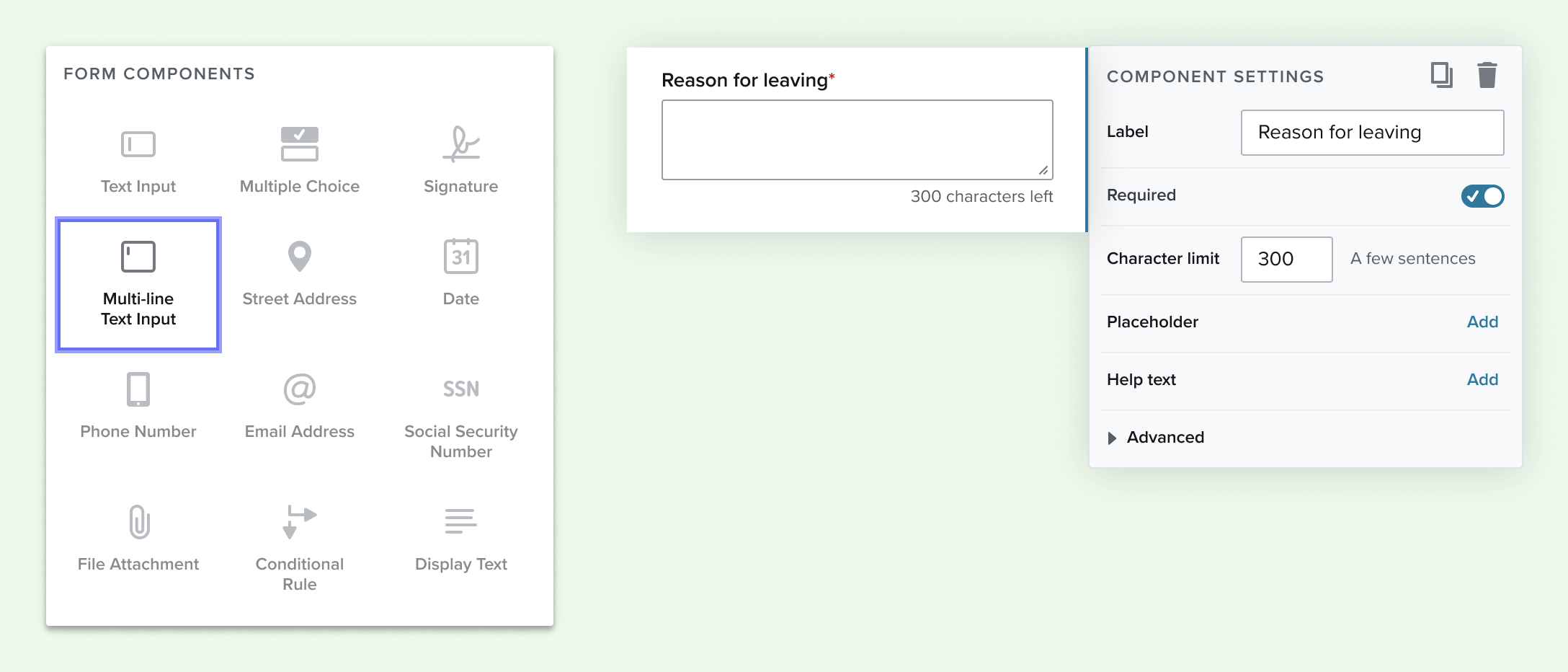
The Multi-line input component can be used for short answer questions such as “Why do you want to work here?” or “Why did you leave your last job?”
- Automatically calculates maximum characters based on the area of the linked output field and the font size.
- Users can set their own character limit if a lower number is desired.
- The output field preview shows under scrolls to indicate how many lines of text it will generate.
- It can support a font size from 9 to 99 on the PDF
- Starts off with a minimum of 50 characters
- The maximum character limit is 500 or depending on depicted component size on the pdf.

Comments
0 comments
Article is closed for comments.