
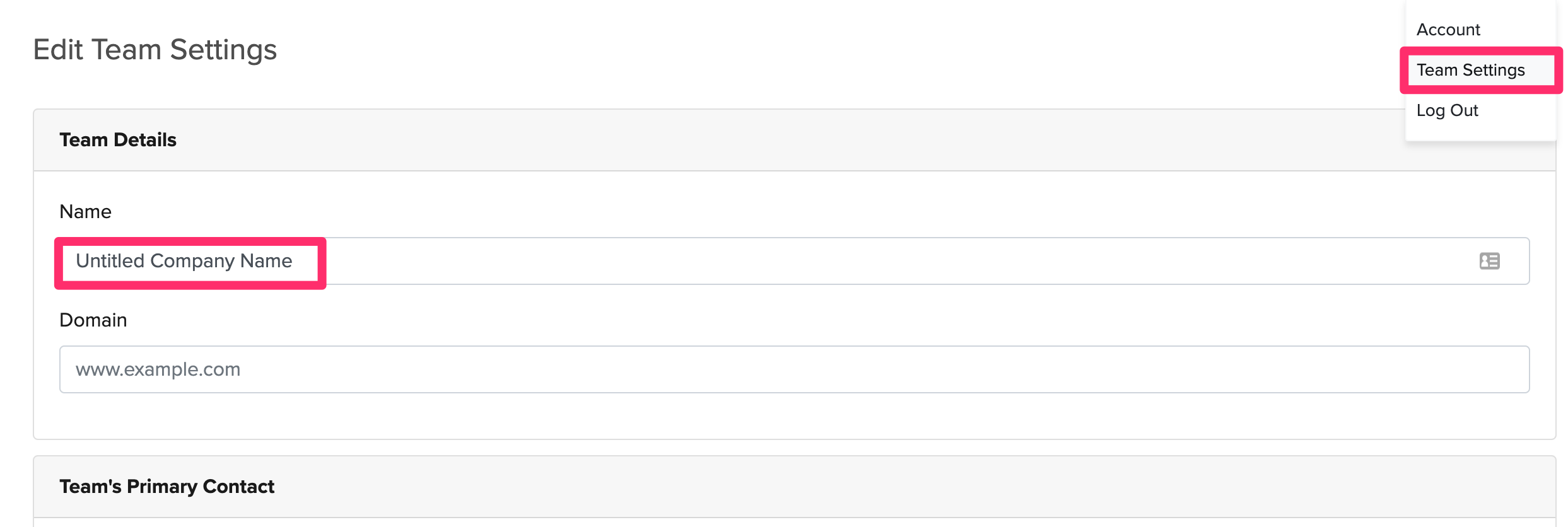
When you first sign-up for a Dropbox Forms account your default company name is “Untitled Company Name” and this will be reflected for launched forms.
To change your company name, please follow the following steps:
1. Navigate to your “Team Settings” page.
2. Change the “Team Details” name to your company name.
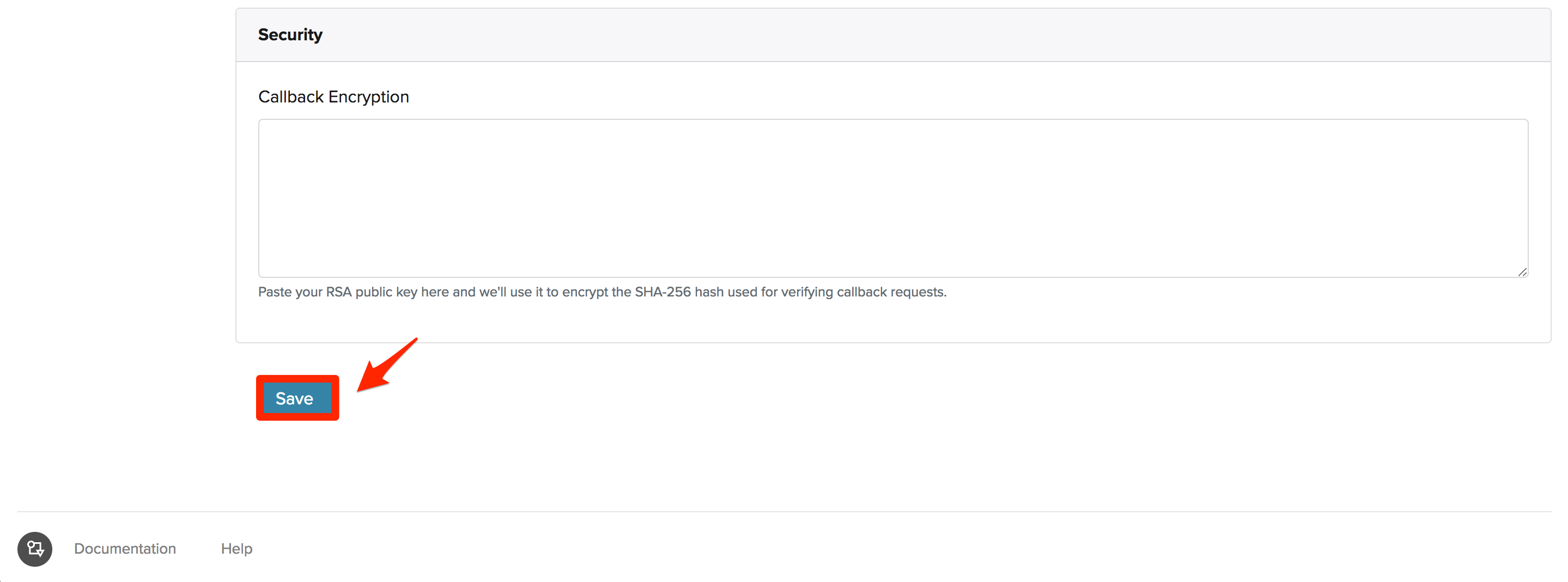
3. Lastly, please make sure you save your changes at the bottom of the page.
Comments
0 comments
Article is closed for comments.